Setup account information
Last updated: July 1, 2026
In this article, you will learn
_____________________________________________________________________________
Options to go to the account information settings
__________________________
Left side navigation
Click on Settings in the navigation.
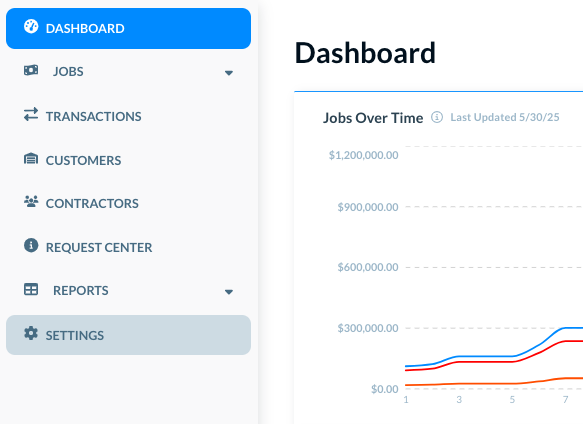
The Settings shows its own navigation on the left side.
________________________________
In user profile menu at the top
Click on the user profile image at the top. A menu opens.
Click on Settings.
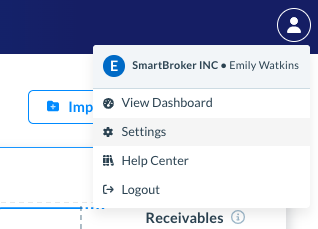
In either case, the Settings opens its own internal navigation on the left side.
Click on Account Information, as shown below.
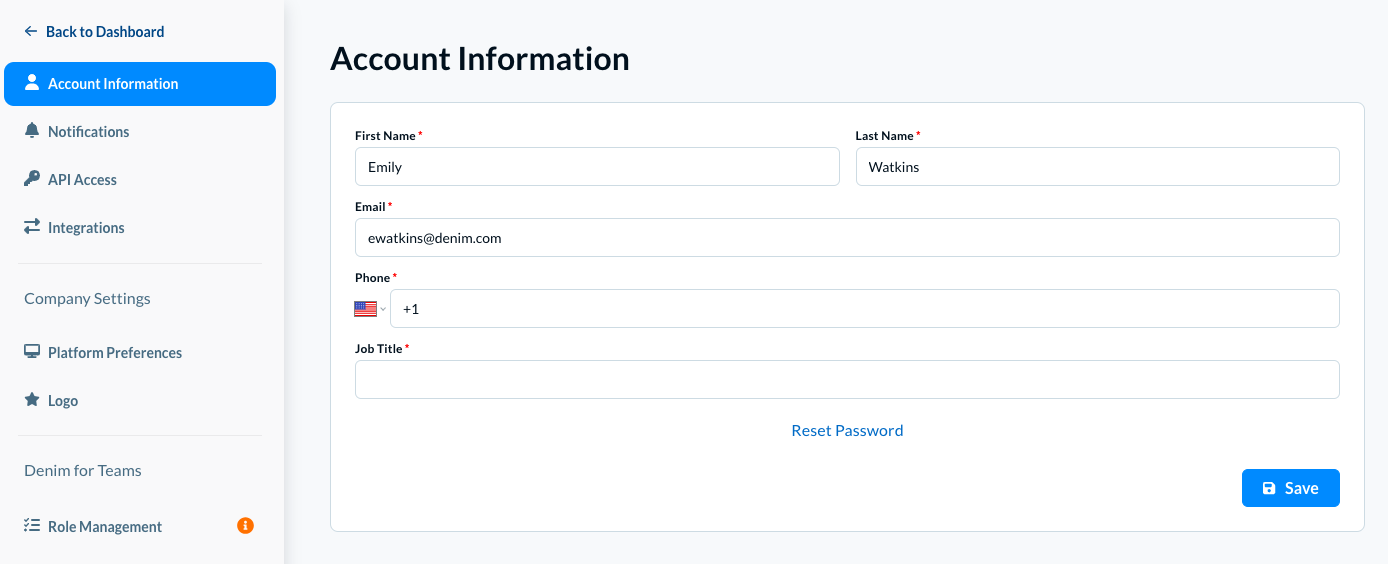
Change the information as desired. You can change the contact person name, email, phone, or the job title.
Click on the Save button to save the changes.
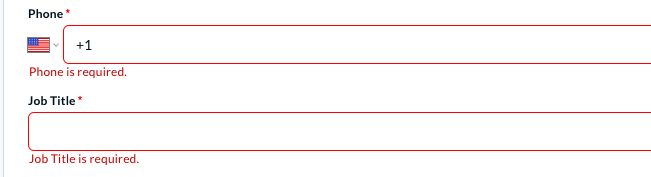
Please note, all information is mandatory in this form. If you save without adding all the details, Denim shows you an alert for the missing information, as seen below:
___________________
Change Password
You can reset your Denim account password.
To request a new password, you need to share the account email address where Denim sends the password reset instructions.
Click on Reset Password. The Reset Password modal opens, as below.
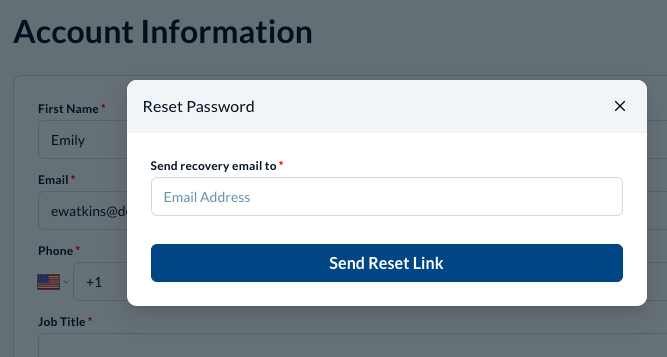
In Send recovery email to, write the email where you want to receive the password reset instructions.
Click on the Send Reset Link button.
Check your email and follow the steps to reset the password.