Checking a Broker's Factorability
Last updated: October 27, 2026
When you log into Denim, you'll see an "Add Customer" section:
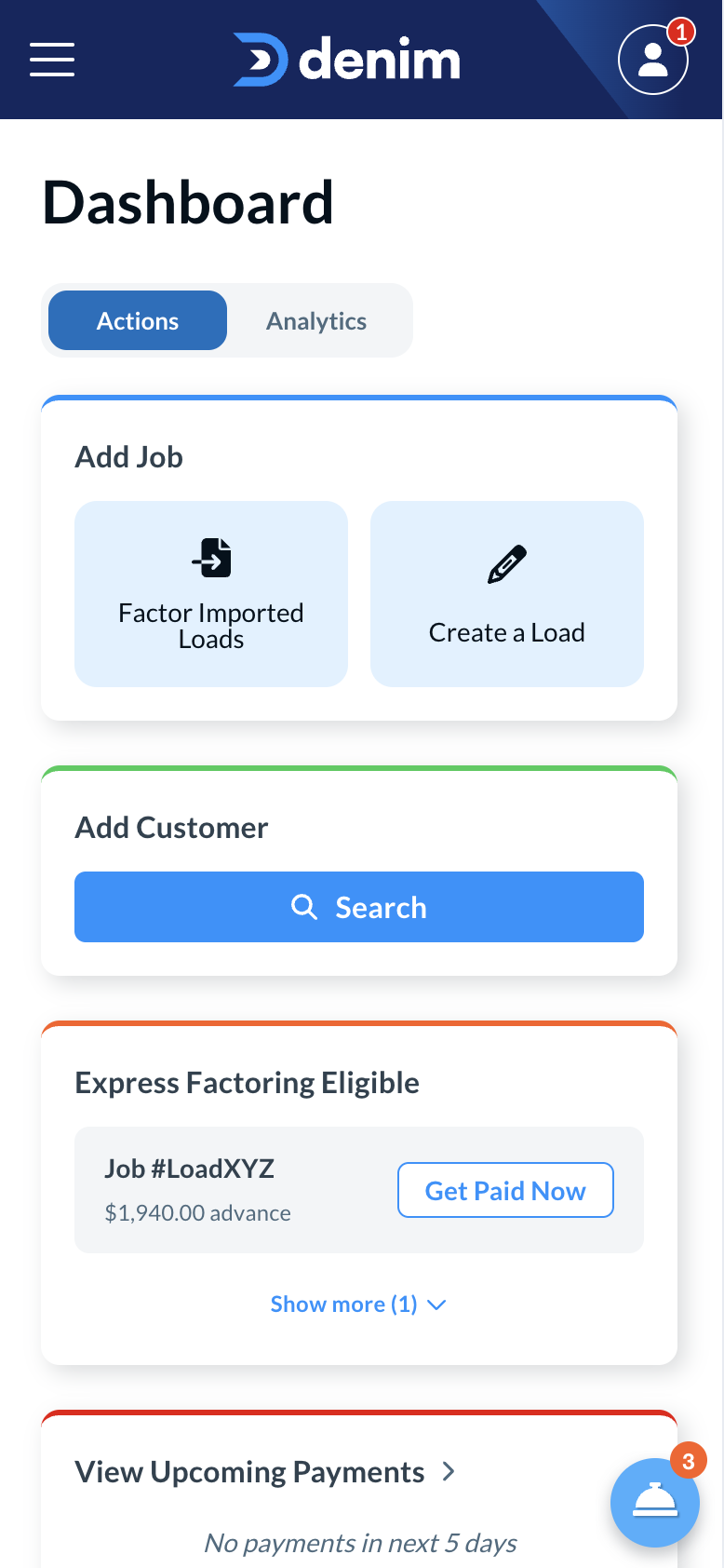
Hit the search bar to check if a broker is already approved for factoring. You can search by the customer's name, MC#, or DOT#:
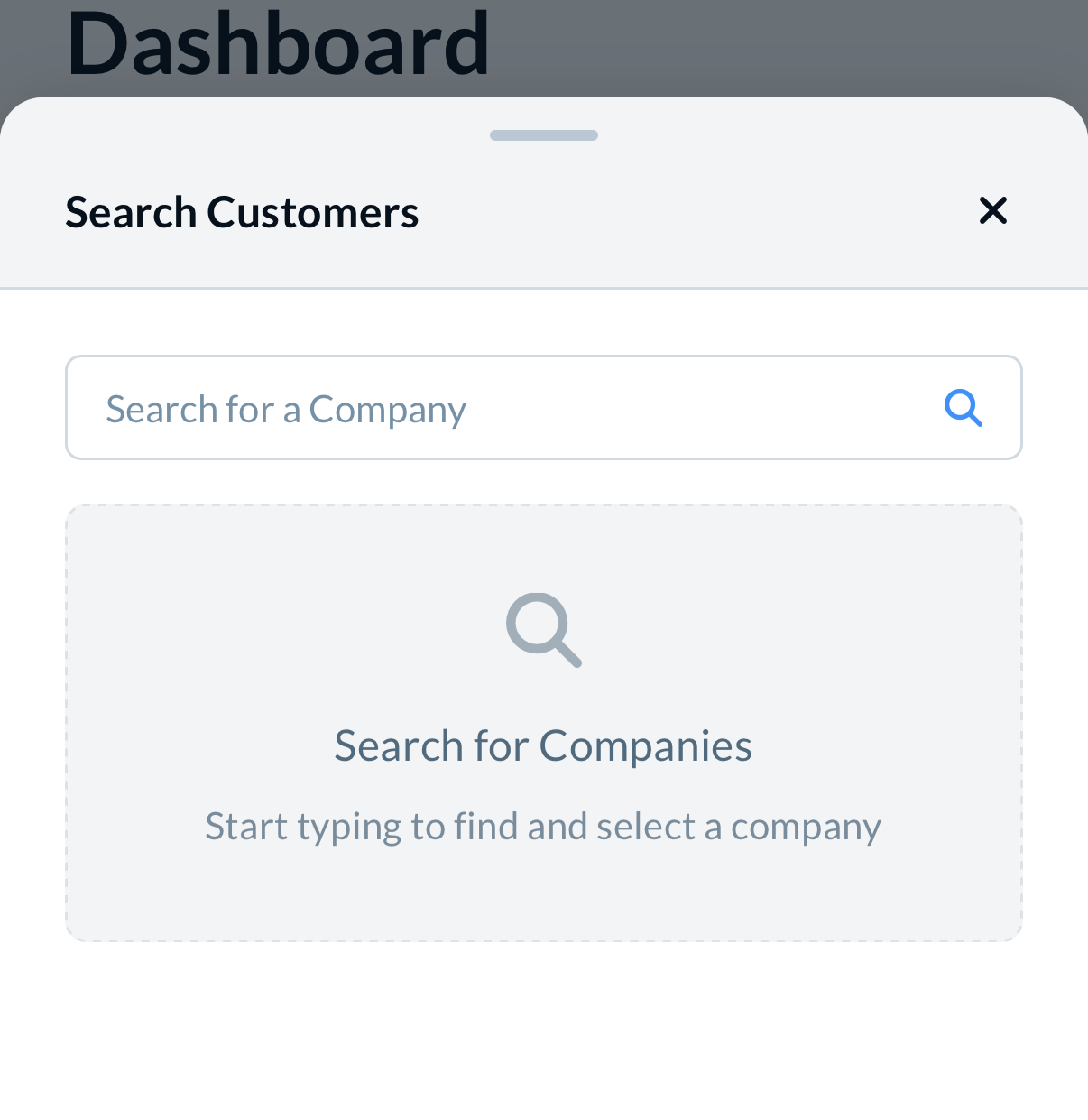
Denim will return the matching list of customers. If you search by MC/DOT#, Denim will return one result. If you search by name, there may be multiple results. Please select the correct one:
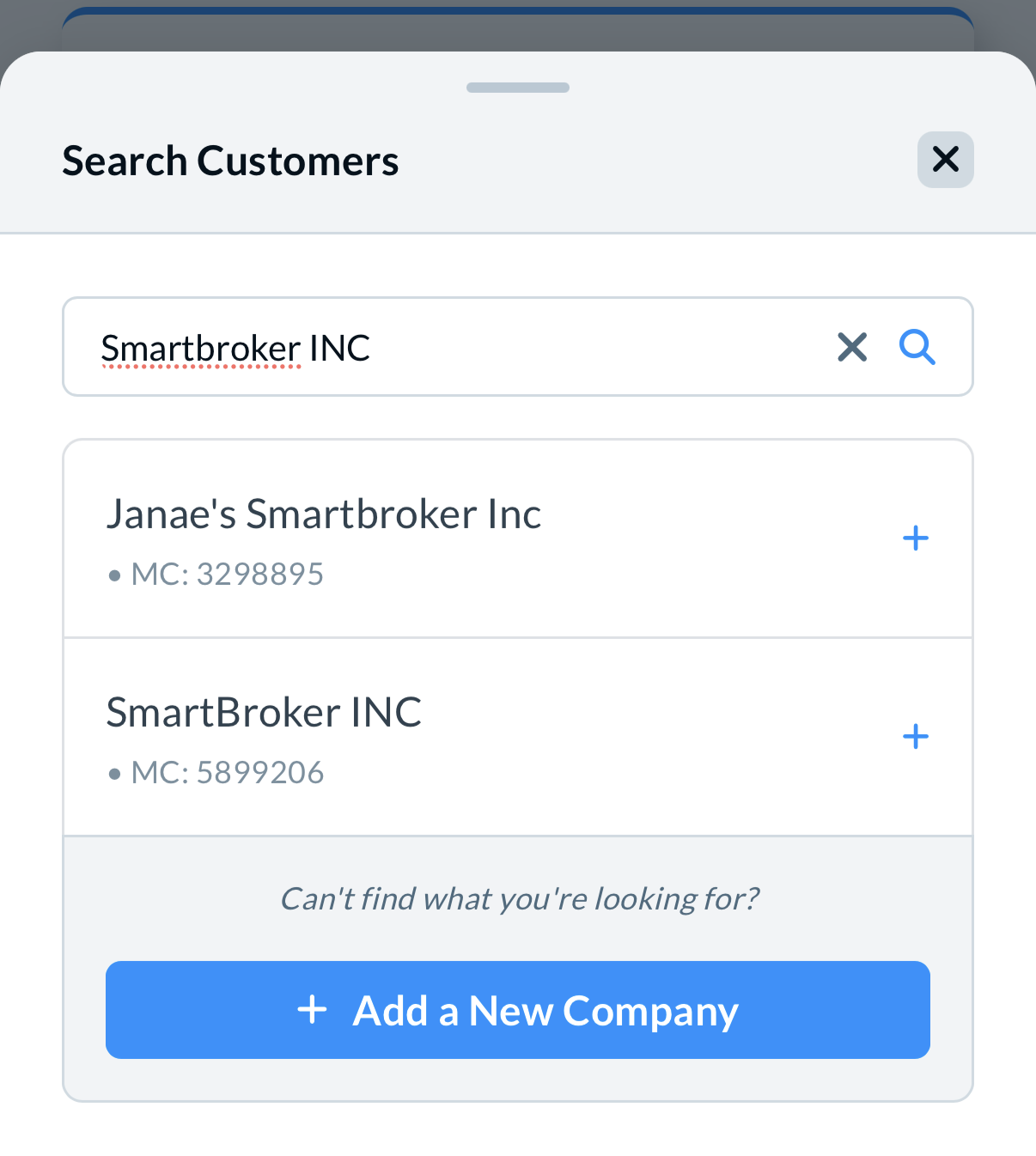
Confirm that the result is the exact legal or company entity named on the rate confirmation, including its MC number. Affiliated or parent companies can have different MC-level factorability statuses, so do not treat a related company’s result as interchangeable. If the paperwork and lookup identify different entities, or the identity is unclear, contact Support or the Credit Team to confirm the exact entity before advising the carrier.
Once you select a customer, you'll be able to see more information, along with their approved credit line. An approved credit-line status and the credit currently remaining are different. If the available credit is $0, the broker is not currently factorable. This describes the broker's current status only and does not indicate when credit will become available or explain every factorability decision.
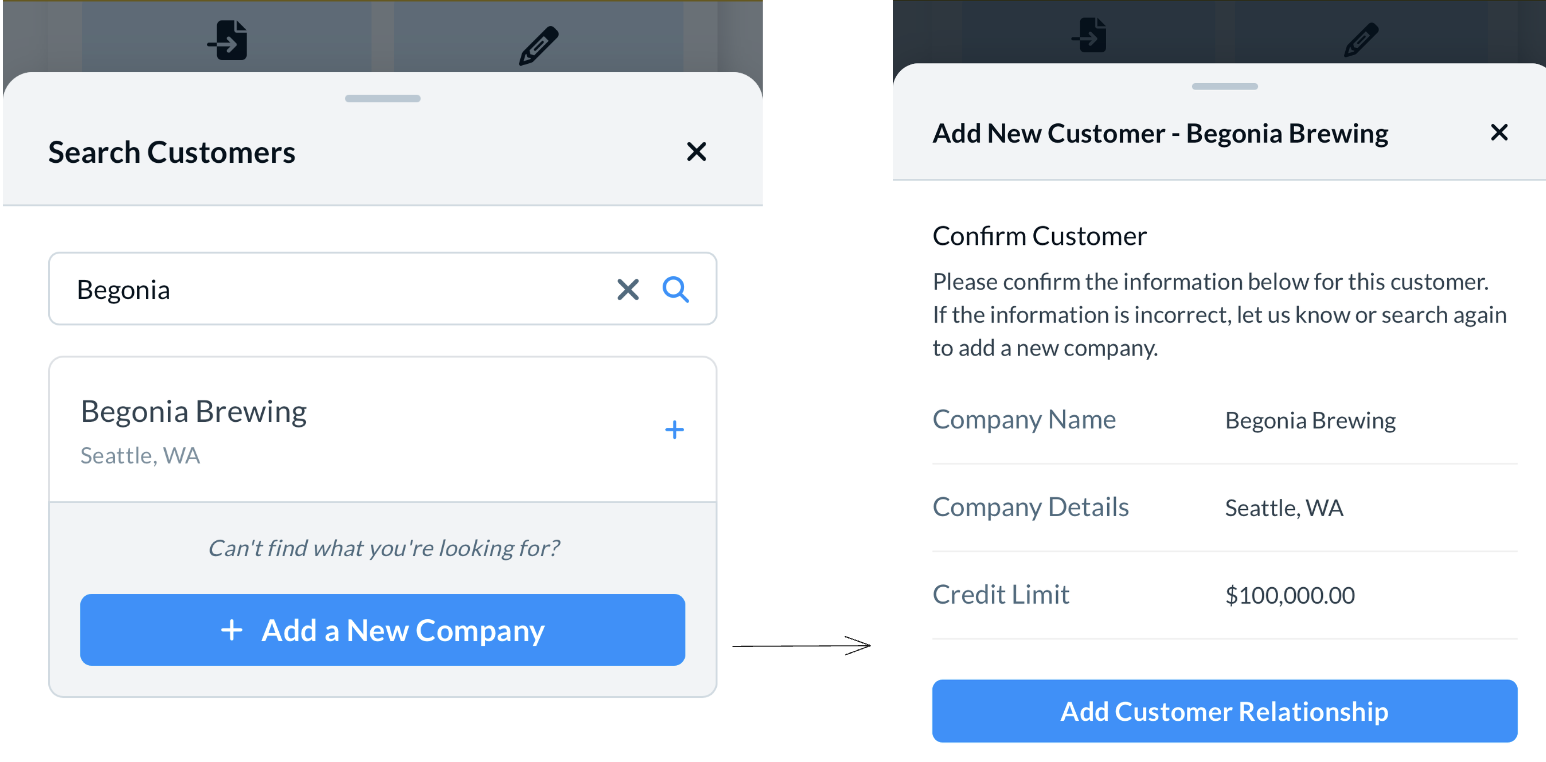
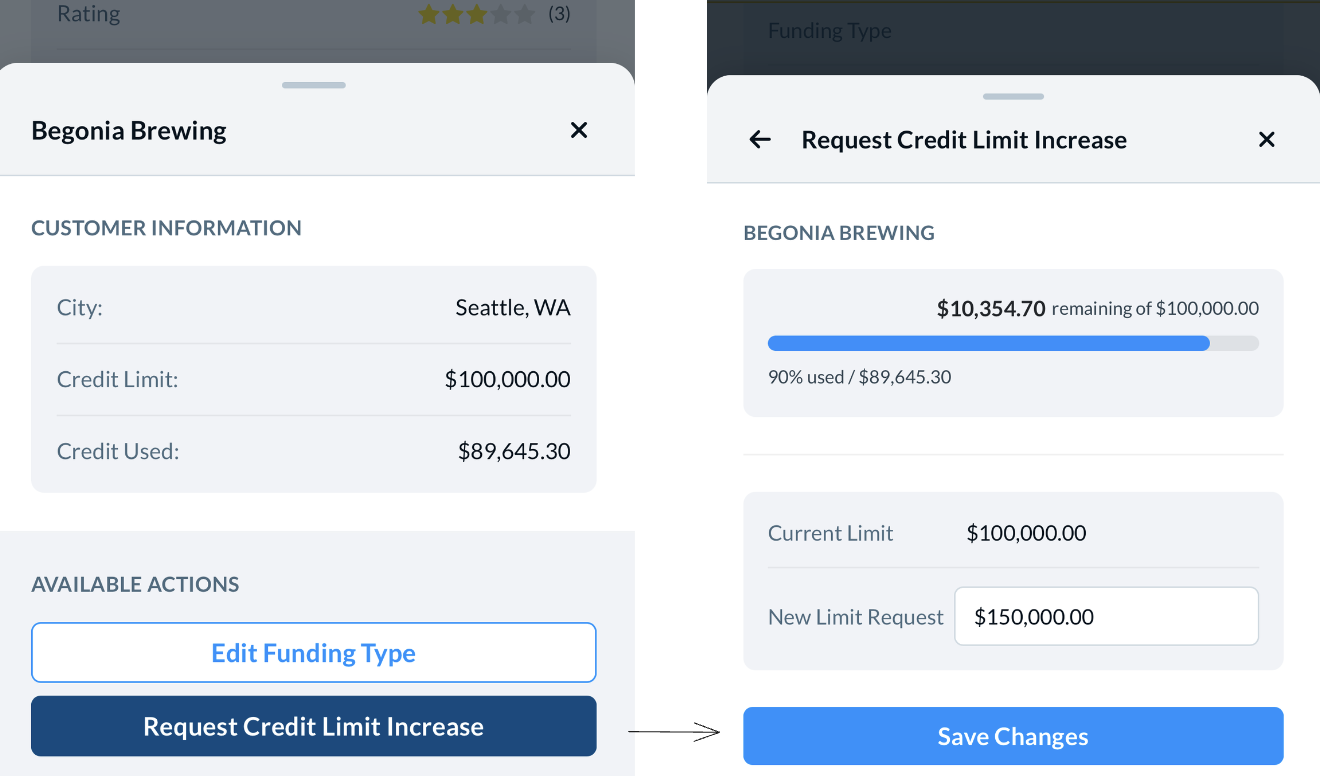
If this credit line is not what you were expecting, do not worry. Once the customer is added, you will be able to request additional credit.
If a broker appears factorable and has available credit but a carrier's factoring request is rejected, contact Support to check whether duplicate company profiles or a pending profile versus an active profile is involved. Support can verify the records and perform any needed profile merge. After Support confirms a merge, search for the broker's MC number again so the active profile can appear for approval. Do not merge profiles yourself, and do not assume that every rejection or duplicate record has the same cause or remedy. Available credit alone does not establish why a particular carrier's request was rejected.
If you do not see the correct company, simply select "+ Add a New Company" to provide Denim with enough details to approve. This will create a request to the Denim team to review this customer’s credit. Most requests are reviewed within an hour. The customer will immediately be added to your Denim customer's page.
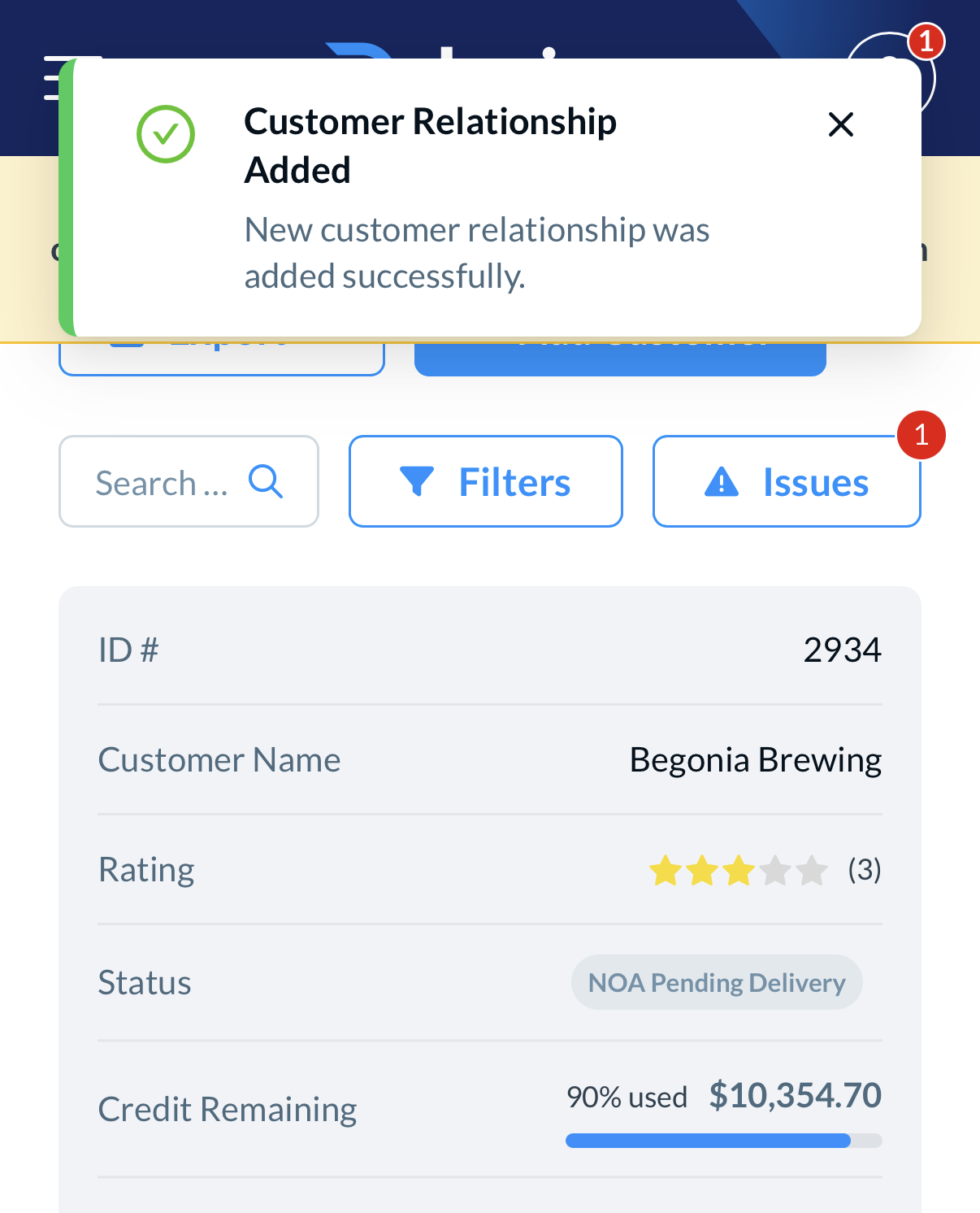
From there, if you need to request additional credit, you can select "View Details" to submit a "Credit Increase Request":
For a broker-specific factorability or credit review, you can also email factoringcredit@truckstop.com. This submits a request for the Credit Team to review the broker; it is not an approval or guarantee, and it is not the only available review route.
If you have any questions, please reach out to support@denim.com for more information.